5 Steps How to Automate Your Bookings and Invoices
5 Steps How to Automate Your Bookings and Invoices
Let's be honest. You didn't become a freelancer to spend half your day chasing clients for payments or playing calendar ping-pong. You started your business to do work you love, whether that's design, consulting, coaching, or any other service.
But here's what happens. You land a few clients. Things get busy. Suddenly you're drowning in admin. Booking requests pile up in your inbox. You forget to send invoices. Clients ghost on payments. And before you know it, you're working harder but earning less.
It's normal to feel overwhelmed by all this. Most small business owners do.
The good news? You can automate almost all of it. And no, you don't need to be tech-savvy or spend a fortune on fancy software. This guide breaks it down into five simple steps that any freelancer can follow.
Why Automation Matters for Freelancers
Here's a stat that might surprise you: most small business owners save 3-5 hours every week just by automating their scheduling. That's almost a full workday per month you could spend on actual billable work: or, you know, having a life.
But it's not just about time. Automation helps you:
Never miss a booking request again
Get paid faster (and more consistently)
Look professional without extra effort
Reduce no-shows and last-minute cancellations
Keep your sanity intact
Let's dive into the steps.
Step 1: Choose the Right Booking Platform
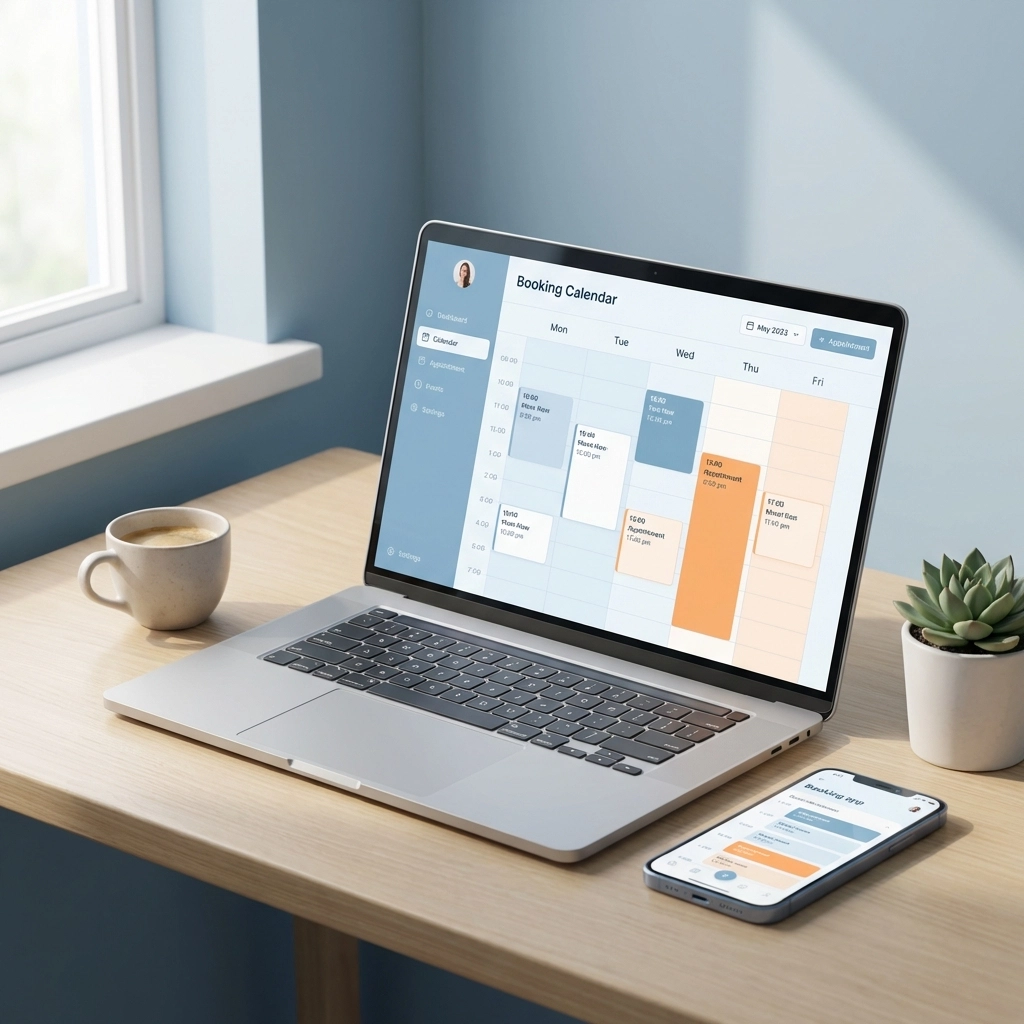
First things first. You need a tool that handles your scheduling automatically. This is the foundation of your automation setup.
What to look for:
Easy booking links you can share with clients
Calendar sync so you don't double-book yourself
Customisable availability (because you're not available 24/7)
Mobile-friendly for clients booking on the go
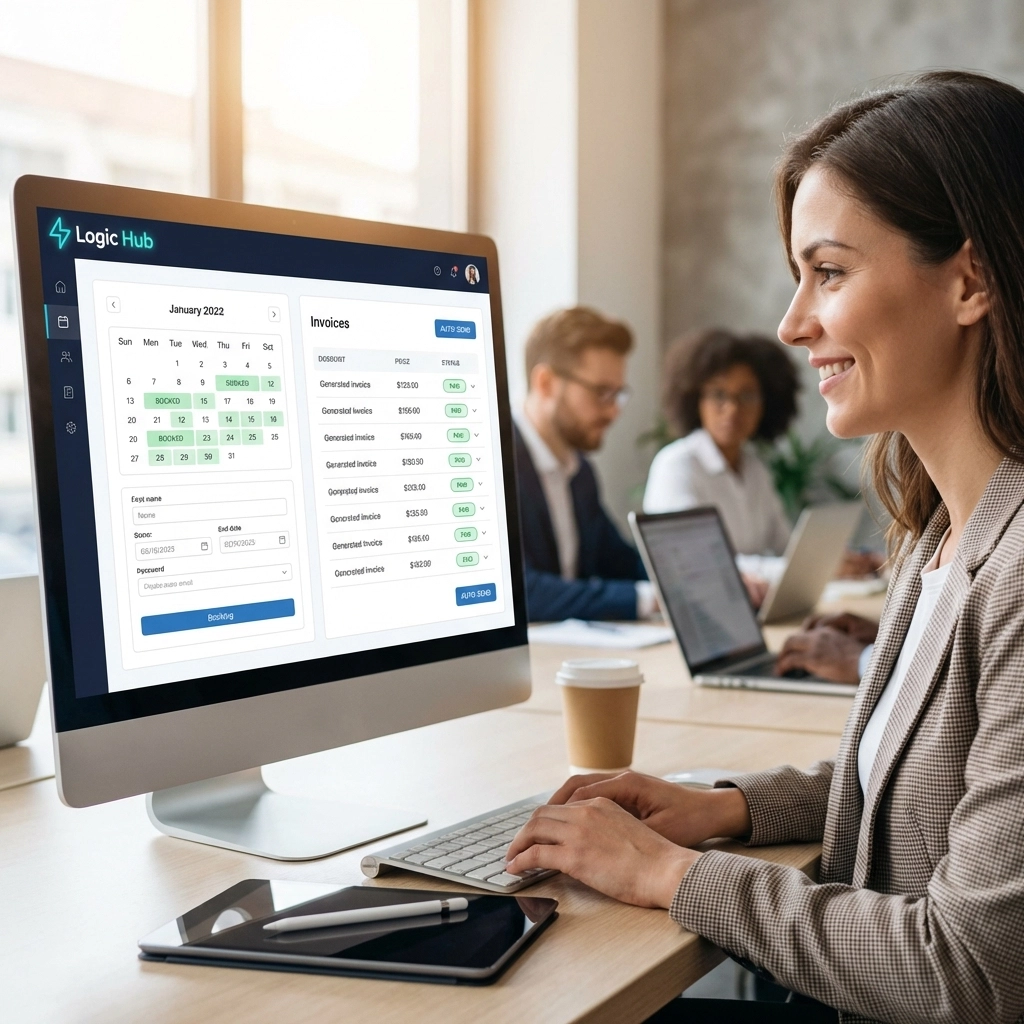
There are plenty of options out there: Calendly, YouCanBookMe, Zoho Bookings, and platforms like Logic Hub that combine booking with CRM and invoicing in one place.
The key is to pick something that fits your workflow. If you offer different services at different prices, make sure you can create separate booking pages for each. If you juggle multiple projects, look for multi-calendar support.
Pro tip: Don't overcomplicate it. Start with a simple setup. You can always add more later.
Step 2: Set Up Automated Email Sequences
This is where the magic happens. Once someone books with you, your system should take over and handle all the communication automatically.
Here's a basic email sequence that works:
1. Confirmation email (immediately after booking)
This sets expectations. Include the date, time, what they need to prepare, and how to reach you if something changes.
2. Reminder email (24-48 hours before)
Life gets busy. People forget. A simple reminder drastically reduces no-shows.
3. Follow-up email (after the session)
Thank them, share any deliverables or notes, and include a link to book their next session.
Most booking platforms let you customise these emails. Keep them friendly and on-brand. Don't make them sound like a robot wrote them (even though, technically, the system is sending them).
Step 3: Connect Your Apps with Workflow Automation
Here's where most small business owners often miss out. Your booking tool shouldn't exist in isolation. It should talk to your other tools.
Think about it:
New booking → automatically add client to your CRM
Quote or price request → create a draft invoice
Completed session → send a feedback request
Invoice paid → update your records
Tools like Zapier or built-in integrations (like those in Logic Hub) let you connect these dots without writing a single line of code.
Set up a few simple automations:
Trigger: New client books a session
Actions: Add contact to CRM, create invoice, send welcome packet
This eliminates the "I'll do it later" syndrome that costs business owners real money. No more forgetting to invoice. No more losing client details in a messy inbox.

Step 4: Enable Online Payment Processing
Here's a hard truth. The longer it takes for a client to pay you, the less likely they will.
That's why smart business owners collect payment at the point of booking. Or at least make it ridiculously easy to pay.
Most modern booking platforms let you integrate payment processing directly. Clients book, pay, done. No chasing. No awkward "just following up on that invoice" emails.
What to set up:
Upfront payments for one-time services
Deposits for larger projects
Recurring billing for retainer clients
Automatic payment reminders for outstanding invoices
If you're using a platform like Logic Hub, this is all built in. Booking, invoicing, and payment collection happen in one seamless flow.
Real talk: Some business owners feel weird asking for payment upfront. But it's actually more professional. It shows you value your time: and clients respect that.
Step 5: Sync Your Calendars and Test Everything
Almost there. Before you go live, you need to make sure everything actually works.
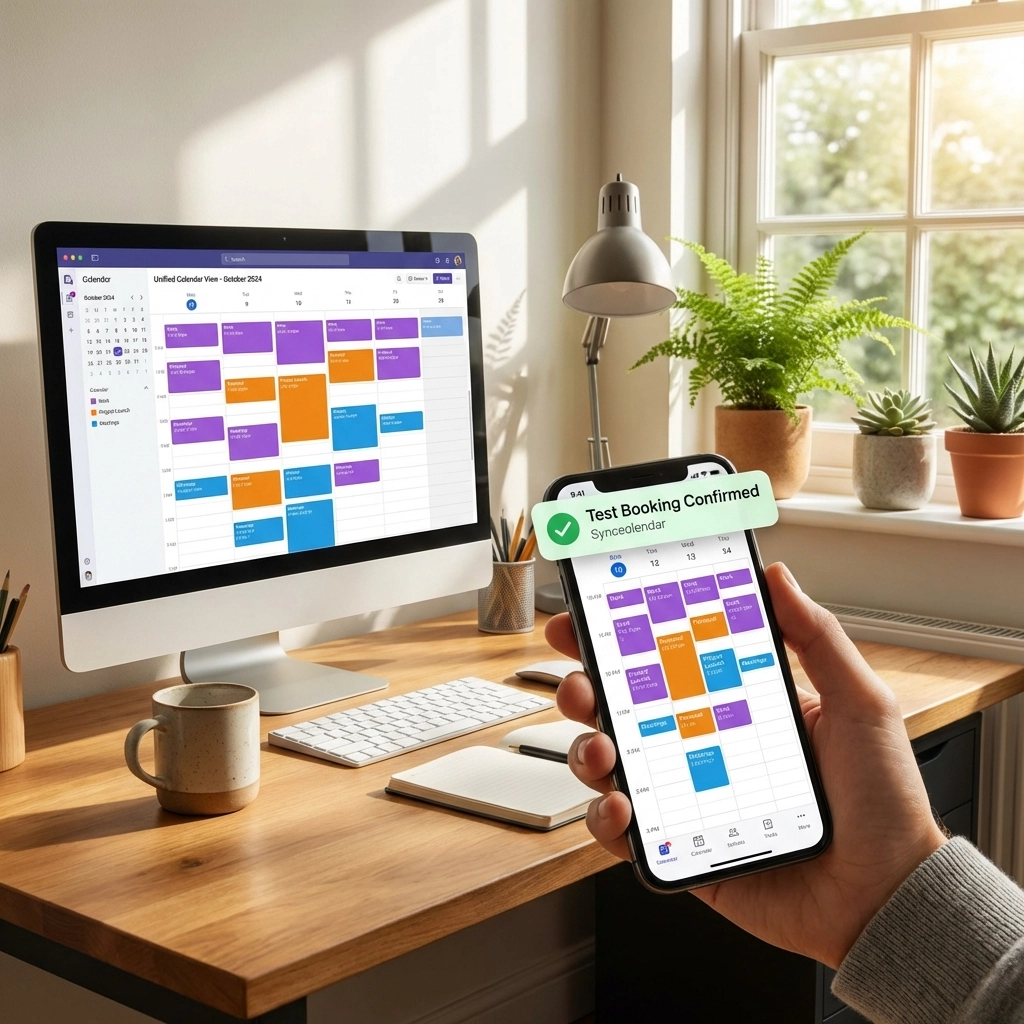
Calendar syncing is crucial. If you use multiple calendars (personal, work, project-specific), connect them all to your booking platform. This prevents the nightmare scenario where you accidentally double-book yourself.
Most platforms let you sync 3-6 calendars. Use them.
Testing checklist:
Book a test appointment yourself
Check that the confirmation email arrives
Verify the reminder email triggers correctly
Confirm the invoice gets created
Test the payment process
Make sure your calendar updates
It takes 10 minutes. Do it. You'll thank yourself later when everything runs smoothly with real clients.
For Example: Sarah the Business Coach
Let's make this practical.
Sarah is a business coach based in Johannesburg. Before automation, her week looked like this:
Monday: 2 hours responding to booking requests
Tuesday: 1 hour sending session reminders manually
Wednesday: Forgot to invoice a client (lost R1,500)
Thursday: Double-booked two clients (embarrassing)
Friday: Spent 3 hours on admin instead of coaching
After setting up automation:
Clients book directly through her link
Confirmations and reminders send automatically
Invoices generate and send with ease and simplicity
Payments come in before sessions even happen
Her calendar stays organised across all her commitments
Sarah now spends those 6+ hours per week on what she actually loves: coaching. And her income went up because she stopped losing invoices and clients.
That's the power of automation. It's not about being lazy. It's about being smart with your time.
Getting Started Without the Overwhelm
If this all feels like a lot, here's someadvice: start small.
Week 1: Set up a basic booking link and share it with clients.
Week 2: Add automated confirmation and reminder emails.
Week 3: Connect your invoicing so it triggers automatically.
Week 4: Enable online payments and test the full flow.
You don't need to do everything at once. Small steps add up to big time savings.
And if you want a platform that does all of this in one place: booking, CRM, invoicing, automation: without the tech headaches, that's exactly what we built Logic Hub for.
Ready to Reclaim Your Time?
Automating your bookings and invoices isn't just a nice-to-have anymore. It's essential if you want to grow your business without burning out.
The tools exist. The process is simple. All you need to do is take that first step.
Curious how this could work for your specific business? We'd love to show you.
Book a Demo and see how Logic Hub can automate your admin: so you can focus on the work that matters.
Or Learn More about how Growth Logic helps freelancers and small businesses streamline their operations.
Want more practical tips for growing your service business? Check out the Growth Logic Blog for weekly insights on automation, lead generation, and smart business tools.

© 2025 - All Rights Reserved.
Facebook
Instagram
LinkedIn